Zoho CRM and Bigin are related products, but they are not interchangeable versions of the same system. Bigin is a pipeline-centred CRM designed to keep customer-facing work straightforward. Zoho CRM provides a broader platform for teams that need deeper customization, automation, reporting, and process control. The right choice depends less on company size than on how the business actually works.
Start with the process, not the feature list
Write down how a new enquiry becomes a customer. Include who owns each step, what information must be recorded, which follow-ups are required, and what management needs to measure. Then include connected work such as onboarding, renewals, service requests, or account management.
A CRM should make this process easier to follow. If the implementation begins with every available feature, the result is often a complicated system that the team avoids updating.
When Bigin is the better fit
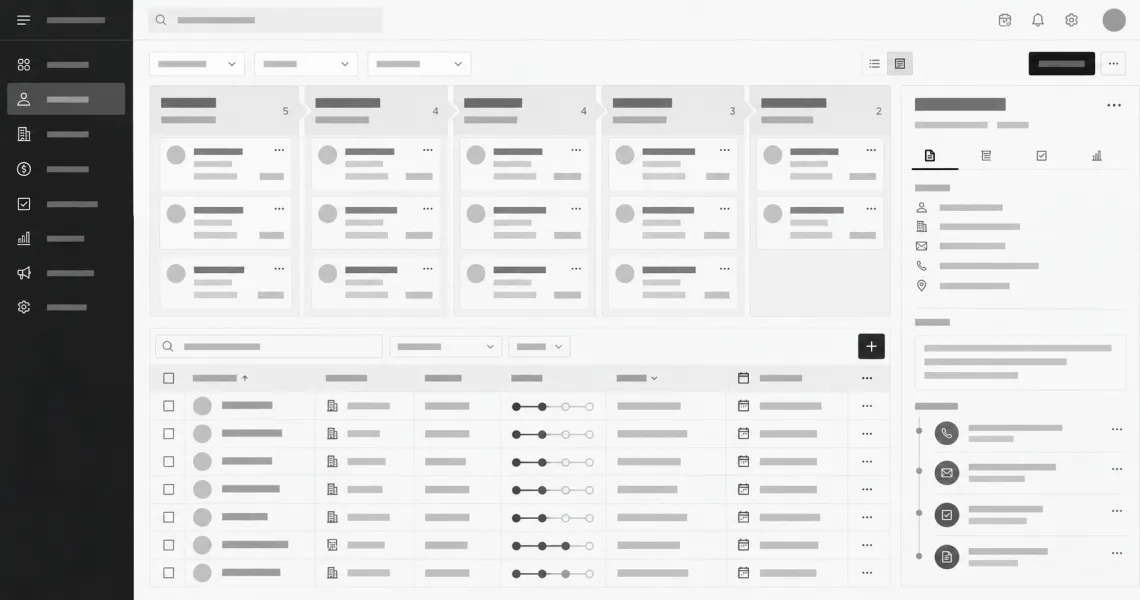
Bigin works well when the team primarily needs contacts, companies, activities, and visible stages for customer-facing work. Its Team Pipelines can represent sales and other repeatable processes such as onboarding, support, or renewals without requiring a large CRM design project.
Bigin is a sensible starting point when:
- The current process lives in spreadsheets, inboxes, or personal notes.
- Users need a clear pipeline and consistent follow-up routine.
- The team wants a shorter setup and training cycle.
- Reporting needs are operational rather than heavily customized.
- A small number of well-defined processes cover most customer work.
Simple does not mean temporary. A well-configured Bigin account can remain useful when its pipeline model still matches the business.
When Zoho CRM is the better fit
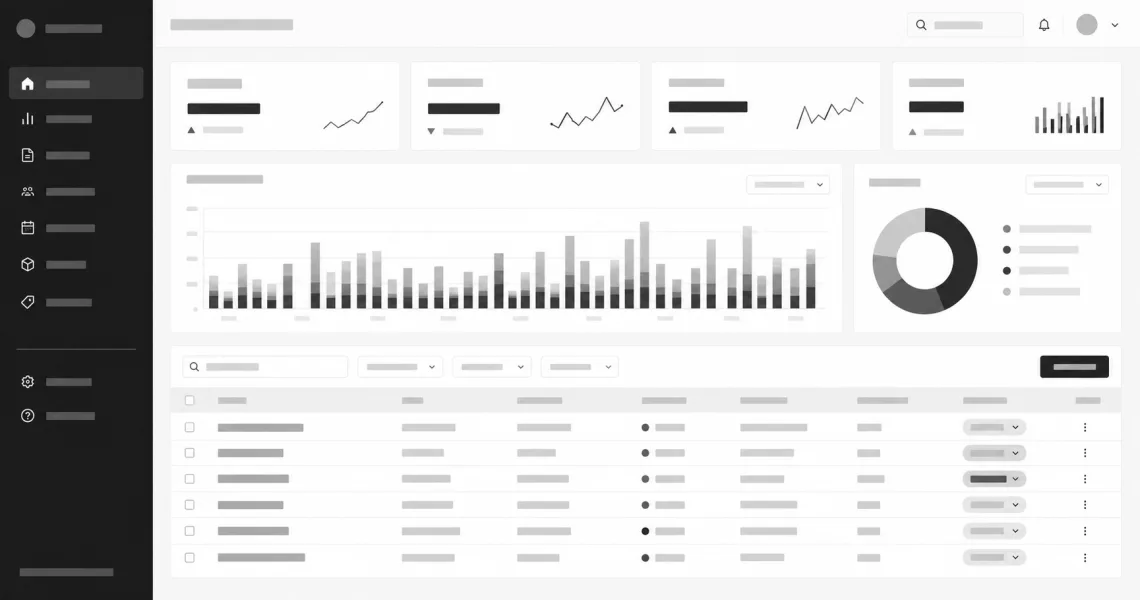
Zoho CRM becomes more appropriate when several teams, products, regions, or sales processes need to share customer data while following different rules. It supports deeper configuration through custom modules, layouts, workflow automation, Blueprint, portals, forecasting, territory management, and broader analytics. Zoho documents these capabilities across its CRM feature suite and customization tools.
Zoho CRM is usually the stronger choice when:
- Different record types need their own fields, layouts, and relationships.
- Approvals, assignment rules, escalations, or controlled stage transitions matter.
- Access must reflect multiple roles, teams, territories, or business units.
- Management needs detailed forecasting, dashboards, or cross-functional reporting.
- The CRM must integrate deeply with finance, marketing, support, telephony, or custom applications.
That flexibility comes with more design and administration work. A capable platform still needs clear ownership and sensible limits.
Compare the data model
List the information the business must retain and how those records relate. A straightforward contact, company, and pipeline structure often fits Bigin. Requirements such as multiple product lines, assets, subscriptions, partners, complex account hierarchies, or custom operational records may point toward Zoho CRM.
Do not add fields merely because they might be useful later. Every field creates work for users and administrators. Capture information that supports a decision, automation, obligation, or report.
Compare automation carefully
Both products can reduce repetitive work, but the required depth matters. A small team may only need task reminders, stage-based emails, record assignment, and connected pipeline actions. More complex operations may require approvals, branching workflows, formal process enforcement, custom functions, or coordinated customer journeys.
Describe each automation in plain language before building it: trigger, conditions, action, owner, exception, and expected result. This exposes unclear rules before they become difficult CRM logic. Feature availability can vary by edition, so confirm the current plan before committing the process design.
Reporting should answer real questions
Begin with the decisions the team needs to make. Useful questions include which opportunities need attention, where work is delayed, which sources produce qualified enquiries, what the expected pipeline value is, and whether follow-up standards are being met.
Bigin includes dashboards and operational pipeline visibility. Zoho CRM provides a wider reporting and analytics surface for businesses that need more dimensions, forecasting, or connected data. Neither product fixes inconsistent data entry; reporting quality begins with a clear process and required fields that users understand.
Consider the administration cost
The purchase price is only one part of CRM cost. Include discovery, configuration, data cleanup, migration, user training, documentation, integrations, and ongoing administration. A simpler product that the team uses consistently can create more value than a flexible platform configured without governance.
Assign an internal owner before launch. That person should manage access, fields, pipeline changes, duplicate records, reports, and user feedback. Without ownership, even a small CRM gradually becomes unreliable.
Leave room to move later
Choosing Bigin now does not mean the business must predict every future requirement. Keep data clean, use consistent field names, document pipeline rules, and review limitations before they become blockers. Zoho provides migration paths between its CRM products, but any move still requires mapping, testing, user communication, and a controlled cutover.
Likewise, choosing Zoho CRM early only makes sense when its additional capability is genuinely needed. Do not recreate years of imagined complexity on day one. Configure the smallest useful system and expand it when the process proves the need.
A practical decision rule
Choose Bigin when the priority is to replace scattered tracking with clear pipelines and quick adoption. Choose Zoho CRM when the business already needs richer data relationships, controlled processes, advanced automation, granular access, or deeper reporting.
Before buying either product, prototype one real workflow with representative data and the people who will use it. Their ability to complete daily work clearly is a better decision signal than the length of a feature comparison table.